Best laptop backpacks for work
We may earn a commission when you buy through links on this page. It never changes what a guide says. How this works.

Aer’s City Pack Pro 2 20L leads this list of the best laptop backpacks for work because its laptop pocket is padded and suspended. The Thule Subterra 2 21L is the pick if you want published compartment measurements at a lower price tier. Check laptop fit before pockets or styling.
Quick picks
| Pick | Best for | Key spec | Price tier |
|---|---|---|---|
| Aer City Pack Pro 2 20L | Padded, suspended laptop storage | 20 L; 2.74 lb | $$$ |
| Thule Subterra 2 21L | Separate laptop and tablet organization | 21 L; 1.9 lb | $$ |
| Thule Construct 24L | A larger work load | 24 L; 2 lb | $$ |
| Thule EnRoute 23L | Casual offices and after-work kit | 23 L; 1.8 lb | $$ |
| Aer Go Pack 2 | The lightest pick, if you add your own sleeve | 20 L; 1.3 lb | $$ |
Tiers use the manufacturers’ US list prices checked November 7, 2026. $$ means $50–$149.99; $$$ means $150–$299.99.
How we chose
Our picks for the best laptop backpacks for work come from manufacturers’ US pages, published specifications and warranty terms; bags.net did not test them. We focused on everyday work capacity, laptop storage, empty weight and practical access. We distinguish explicitly padded or elevated compartments from features the maker does not confirm.
We make no claims about comfort, water resistance or looks; judge those in person. Price tiers follow manufacturer list prices, and incomplete fit information remains visible rather than being replaced with a guessed measurement.
What to look for in the best laptop backpacks for work
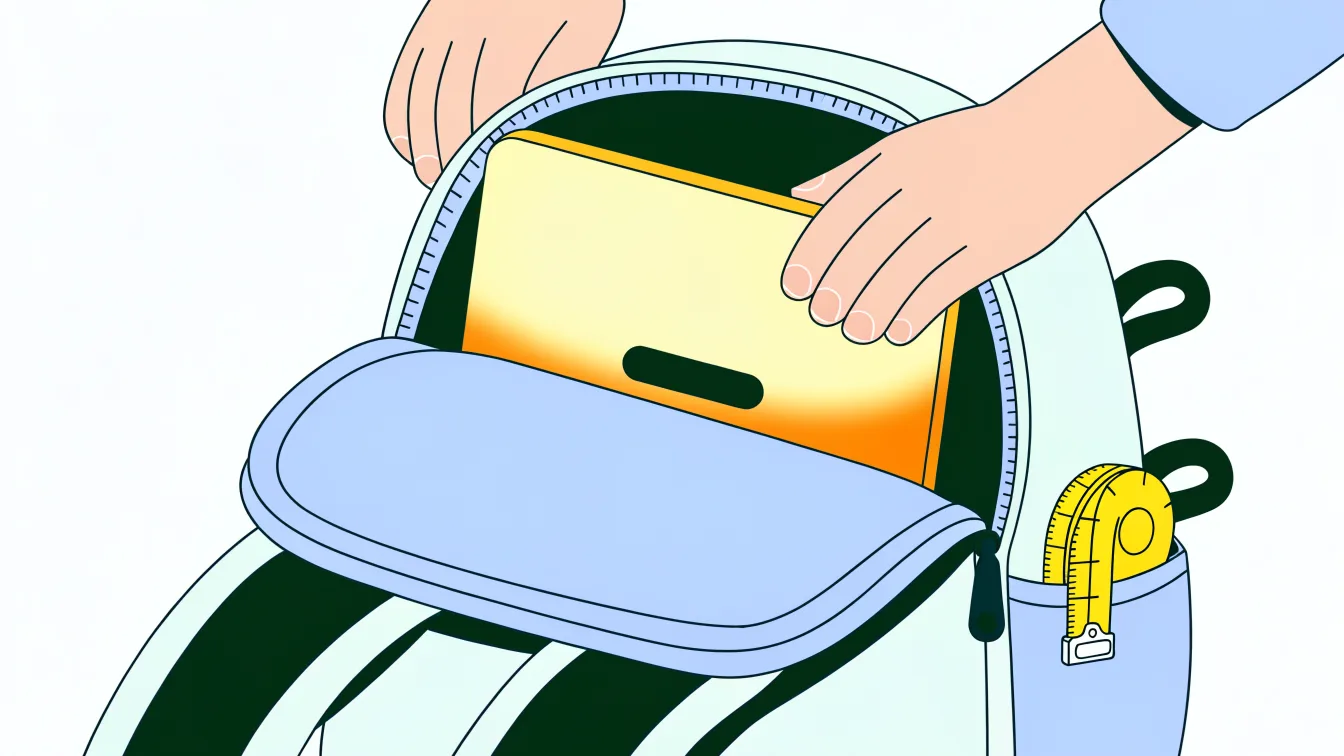
Use these four checks before comparing colors. Our laptop bags guide explains the broader choice between backpacks, briefcases and totes.
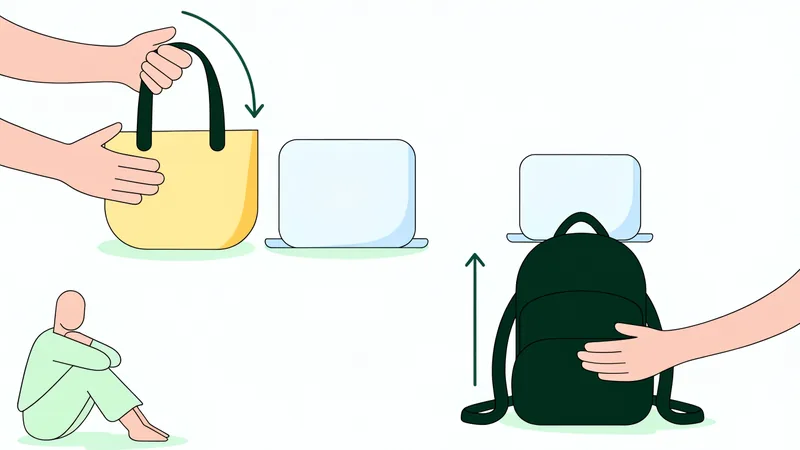
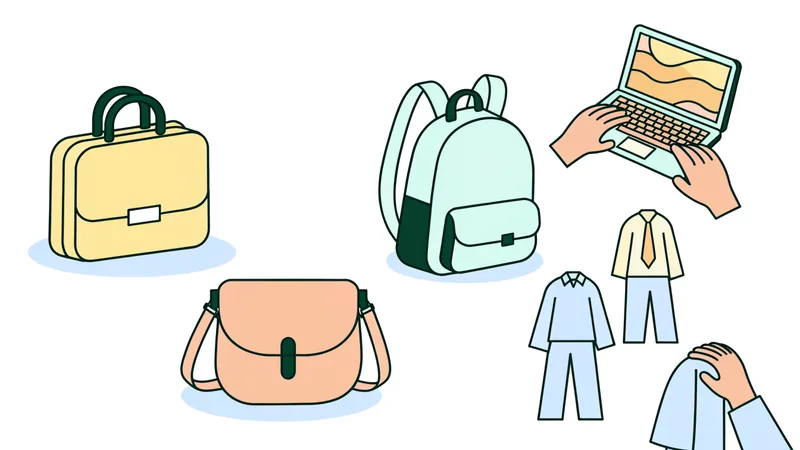
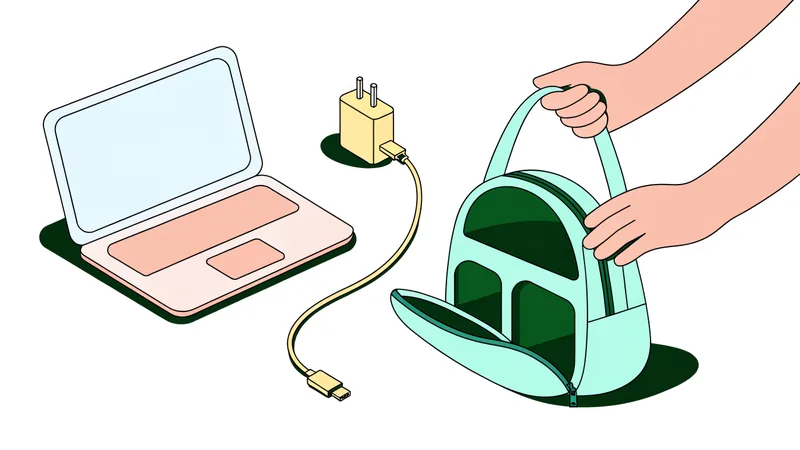
- Start with a 15–25 L shopping range. Treat it as a starting range, not a rule. Lay out your laptop, charger, lunch and extra layer before choosing.
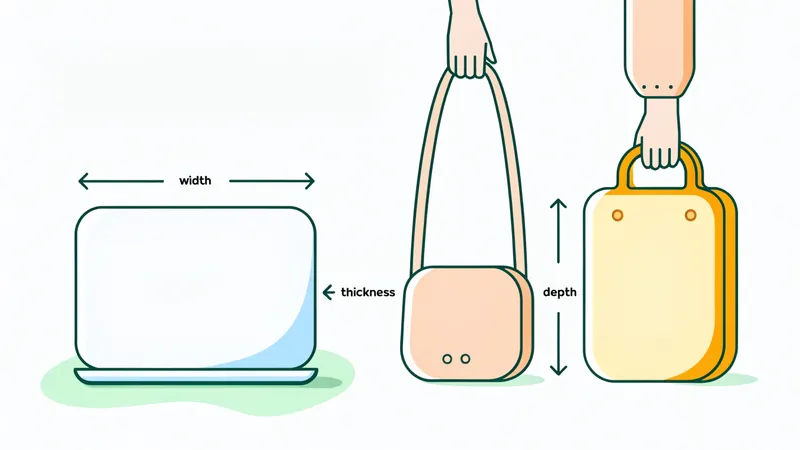
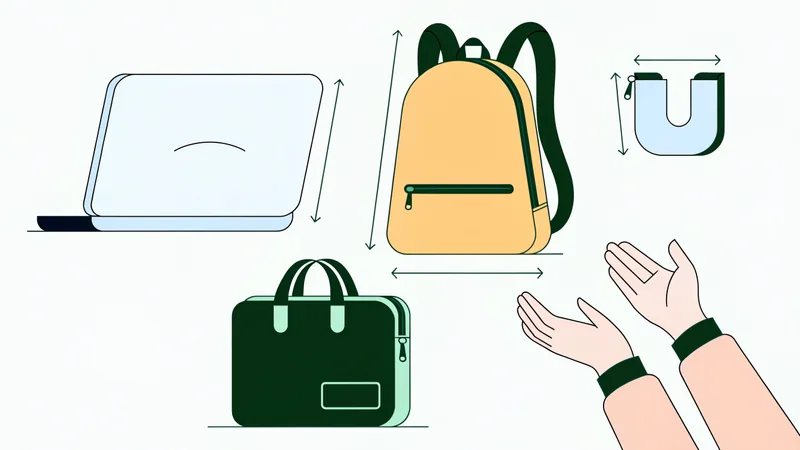
- Measure all three laptop dimensions. Compare width, depth and thickness with the sleeve, including any protective case. A screen diagonal alone does not establish clearance at the opening.
- Add empty weight to your actual load. The shortlist’s 1.3 lb Go Pack 2 and 2.74 lb City Pack Pro 2 20L illustrate the difference. Neither figure predicts comfort on your shoulders.
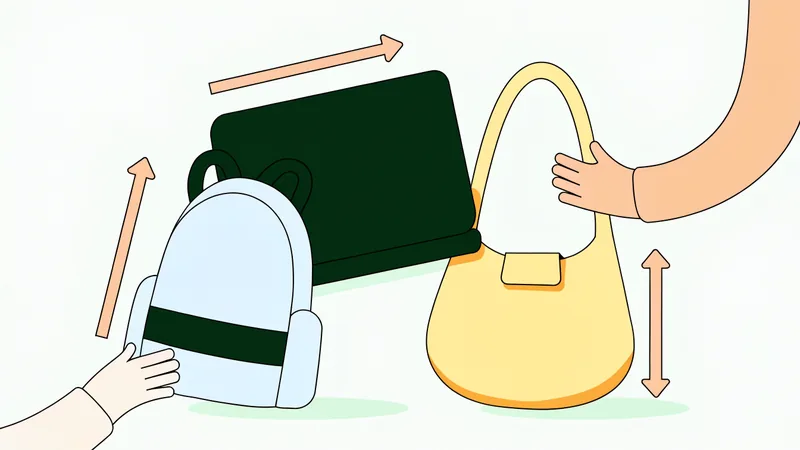
- Check protection in two places. Ask about padding around the device and clearance below it. Do not assume the word “suspended” supplies a measured drop rating.
For your own fit check, wear the outer layer used on the commute. Adjust the straps with your ordinary load inside, then check access and pressure points.
Judge appearance against your actual workplace. A clean exterior may suit one office; another may expect a hand-carried case for meetings.
The picks
Aer City Pack Pro 2 20L: for clearly specified laptop protection
Choose this if your first requirement is a laptop compartment explicitly described as both padded and suspended.
Aer lists 17.5 x 12 x 7-inch exterior dimensions, 20 L capacity, 2.74 lb weight and a 1680D ballistic nylon exterior. Its laptop pocket is specified for most devices up to 16 inches.
The lay-flat main compartment and luggage pass-through are useful selection features if office days mix with travel. Decide whether opening the bag flat matches the space available at your desk.
Price tier: $$$.
Watch out for: The 2.74 lb empty weight deserves attention if your laptop and charger are already heavy. Aer does not publish sleeve opening dimensions or bottom clearance.
Thule Subterra 2 21L: for a laptop-and-tablet office setup
This is a sensible starting point when you want dedicated device storage and a published compartment measurement.
Thule lists 12.6 x 7.9 x 18.1-inch exterior dimensions, 21 L capacity and 1.9 lb weight. The soft-lined padded laptop sleeve and separate padded tablet sleeve distinguish its organization.
Thule publishes a 9.9 x 0.8 x 14.8-inch laptop compartment. Check the 0.8-inch depth carefully if your computer wears a rigid cover.
Price tier: $$.
Watch out for: The laptop compartment is only 0.8 inches thick. A “16-inch” label does not override that measurement.
This is the kind of choice to make around devices first. If your tablet stays at home, decide whether dedicated storage still earns its place.
Thule Construct 24L: for a larger computer or fuller workday
Investigate the Construct when your ordinary list includes more than a laptop and a charger. Compare its sleeve measurements with the computer you actually carry.
Its specifications give 12.6 x 9.6 x 18.5-inch exterior dimensions, 24 L capacity and 2 lb weight. Thule also specifies elevated device pockets and an expandable front stash pocket.
Price tier: $$.
Watch out for: Its 9.6-inch exterior depth makes it worth checking against your desk or locker space. More volume is not useful if you dislike the loaded profile.
Choose it because specific items need the room, not because the bigger number feels safer.
Thule EnRoute 23L: for a casual office and a change of clothes
The EnRoute is the more activity-oriented choice in this selection. Consider it when the office is one stop in a longer day.
The US model page lists 23 L capacity, 1.8 lb weight and a 14.2 x 9.9 x 0.7-inch laptop compartment. Its elevated device pockets and secondary compartment with a water-resistant TPU pocket provide useful separation.
A water-resistant pocket is not a sealed one; keep a leaky lunch container away from the laptop side.
Price tier: $$.
Watch out for: The 0.7-inch laptop-compartment thickness is restrictive for a chunky computer or added sleeve. Verify your laptop’s fit before buying.
For days that consistently include shoes and clothing, compare work-to-gym bags before squeezing everything into an office backpack.
Aer Go Pack 2: for a lighter bag with a separate protection plan
The Go Pack 2 suits buyers who want less empty-bag weight and do not need a heavily structured office layout.
Aer specifies 17 x 11 x 5.5-inch dimensions, 20 L capacity, 1.3 lb weight and 210D crinkle nylon. It also describes a suspended laptop pocket for devices up to 16 inches.
Price tier: $$.
Watch out for: Aer describes the laptop pocket as suspended but not as padded. Plan on a separate sleeve if padded device protection is essential.
If you plan to add a sleeve, verify the combined fit and weigh the complete setup. Do not compare the empty bag alone against a bag with integrated protection.
A simple layout works best when you already know how you want to organize your charger, keys and other small items.
Which one should you buy?
Start with the City Pack Pro 2 if explicit padded suspension is your deciding feature. Start with the Subterra if published compartment measurements and separate device organization matter more.
Consider the Construct for a fuller packing list, or the EnRoute for an office day that includes spare clothes. Choose the Go Pack if you will add your own sleeve or do not need padding.
Before choosing, run a practical desk-to-door check:
- Can you remove the laptop without unpacking lunch?
- Can your charger stay separate from items that could scratch the device?
- Does the packed bag fit where you will store it?
- Are the straps comfortable with your own coat and ordinary load?
Check warranty scope separately from durability claims. Aer covers manufacturing defects but excludes ordinary wear and accidental damage; the policy is not a promise against every failure.
If your workplace favors another silhouette, compare work bags. A backpack should solve your commute, not become an extra dress-code negotiation.

FAQ
Is a 20-liter backpack big enough for work?
It can be, but the contents decide. Lay out your computer, charger, lunch, water bottle and outer layer before choosing.
If spare shoes or bulky equipment accompany you daily, compare the next capacity up. Do not assume a larger bag makes a poor pocket arrangement more convenient.
Does suspended laptop storage mean drop-proof protection?
No. Suspension describes the compartment arrangement; it is not a drop rating and does not quantify protection in every fall.
Ask the maker about padding and bottom clearance, and avoid treating either as insurance. A careful fit check is still needed with your particular computer.
Can I put a laptop sleeve inside a backpack’s laptop pocket?
Only if the combined dimensions fit the pocket and its opening without force. Measure the computer inside its sleeve, including corners and closures.
Ask the maker for missing internal measurements before buying. A sleeve that crowds the zipper or bends the pocket is not a useful upgrade.
What makes a backpack look professional?
Match the bag to your office’s expectations and your own clothing. Compare exterior shape, visible straps, colors and the way the bag looks when packed.
There is no universal standard. If client meetings call for a briefcase, see work bags rather than a backpack’s marketing copy.
Should a work backpack have a lifetime warranty?
Read the terms before treating the phrase as decisive. For example, Aer’s lifetime warranty covers manufacturing defects and excludes normal wear, misuse and accidental damage.
Consider eligibility and claim requirements alongside fit. A warranty cannot make an uncomfortable harness or unsuitable laptop pocket work for your commute.
Sources
- aersf.com/products/city-pack-pro-2-20l
- aersf.com/products/go-pack-2
- thule.com/en-us/backpacks/laptop-backpacks/thule-subterra-backpack-21l-_-3205024
- thule.com/en-us/backpacks/laptop-backpacks/thule-construct-backpack-24l-_-3205352
- thule.com/en-us/backpacks/laptop-backpacks/thule-enroute-backpack-23l-_-3205501
- aersf.com/pages/warranty