Laptop Bags: Which Type, What Size, and How to Actually Protect Your Laptop

A laptop bag has one job the others don't: keep a $1,500 machine safe while you sling it around a commute. Get that wrong — a thin sleeve, a laptop resting on the bag's floor — and one dropped bag ends the laptop. So this guide is about the two things that matter most: picking the right type of laptop bag for how you move, and making sure it genuinely protects the laptop, not just holds it.
We're not going to hand you a tested top-ten (other sites do). Here's how to choose: the bag styles and who each suits, how to fit your exact laptop (the inch label lies more than you'd think), the protection feature that separates a real laptop bag from a padded pocket, and the commuter features worth having.
The five types of laptop bag (and who each is for)
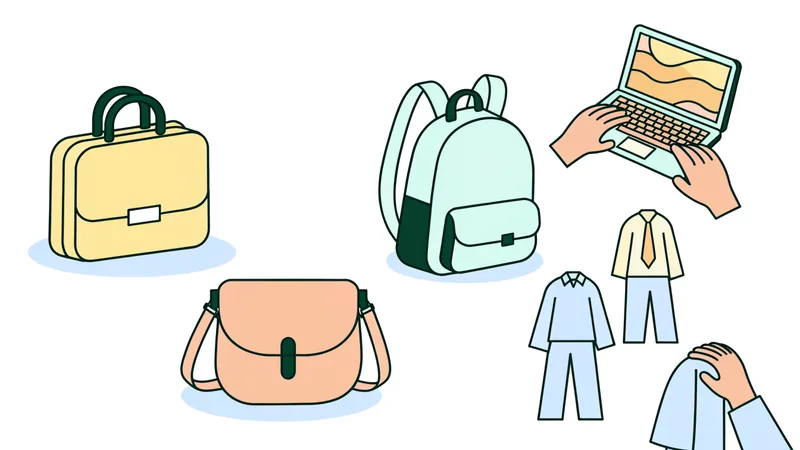
"Laptop bag" is a category, not a shape. Five styles cover almost everyone:
- Laptop backpack — two straps, carried on the back. Best weight distribution (kind to your spine), most capacity, most comfortable for long or loaded carries. The default for commuters, students, and anyone walking or cycling. Downside: less "professional" in the most formal offices.
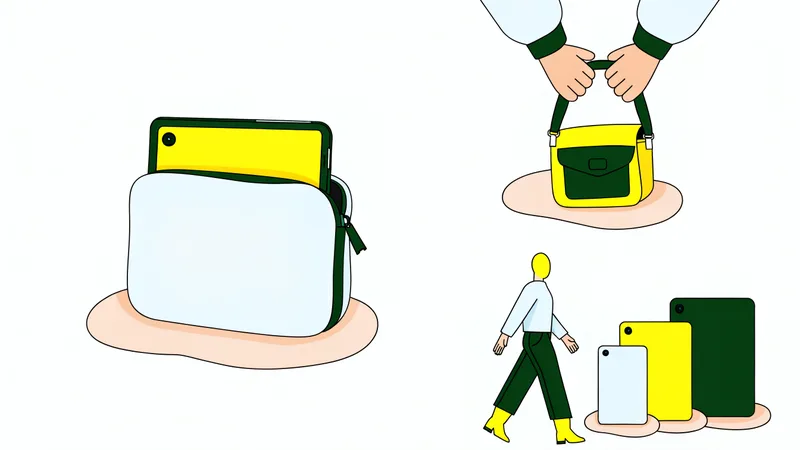
- Messenger bag — single strap across the body, flap over the top. Quick side access without taking it off, a classic look, good for cyclists and quick in-and-out days. Downside: all the weight hangs on one shoulder, which tires you on heavy loads.
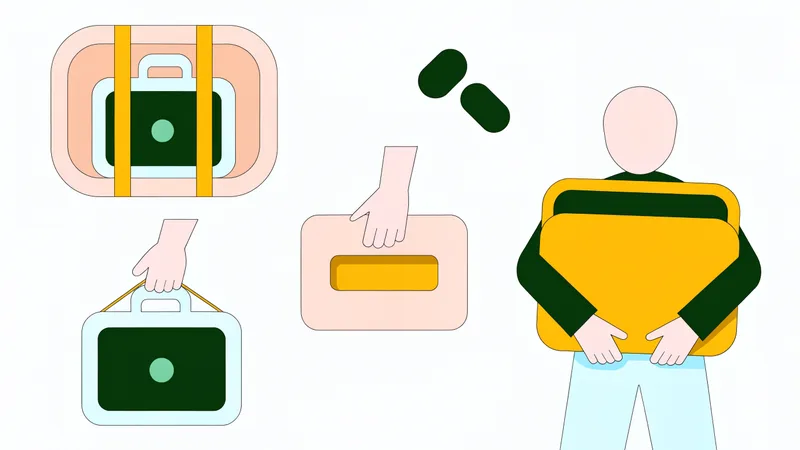
- Laptop briefcase — structured, handle-carried, the most formal option. Looks sharp in a boardroom, protects a laptop and documents. Downside: the least capacity and one-hand carry, so it's not for hauling much or walking far.
- Laptop tote — open or zip-top, shoulder-carried, a casual-to-professional crossover popular for work-to-life days. Roomy and easy to reach into. Downside: often less structured protection and a one-shoulder load.
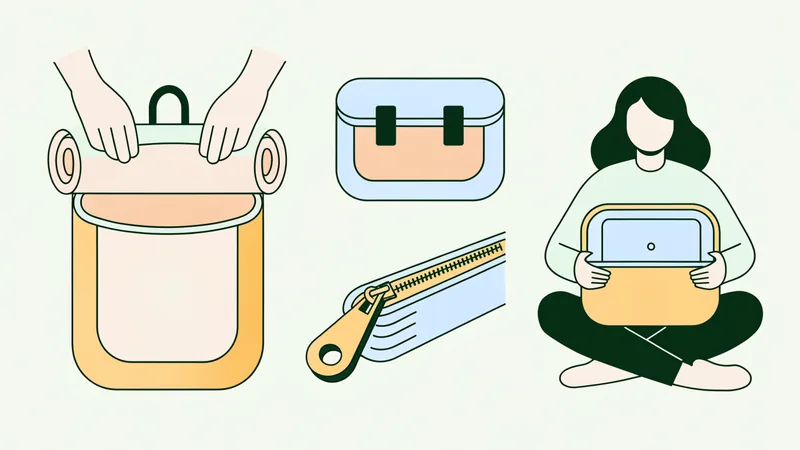
- Laptop sleeve — a slim padded slip cover for the laptop alone, meant to go inside another bag. Minimal on its own, essential if your main bag has no padded compartment.
Pick the style by how you actually move: backpack if you walk/commute far or carry a lot, messenger for quick urban access, briefcase or tote for a polished office look, sleeve to add protection to a bag you already love.
Backpack or briefcase for work? The honest answer
This is the question everyone asks, so here it is plainly: for your back and for carrying more than a laptop, a backpack wins; for the most formal, image-conscious offices, a briefcase or structured tote still reads more "senior."
The trend has shifted hard toward backpacks even in professional settings, because two straps beat one shoulder for your body and modern laptop backpacks look far sharper than the bulging nylon packs of a decade ago. Unless your workplace is genuinely traditional (law, finance, client-facing formal), a clean leather or minimalist laptop backpack is the practical, healthier choice. If it is that formal, a slim briefcase or a structured tote is the safe read.
How to fit your exact laptop (the label lies)
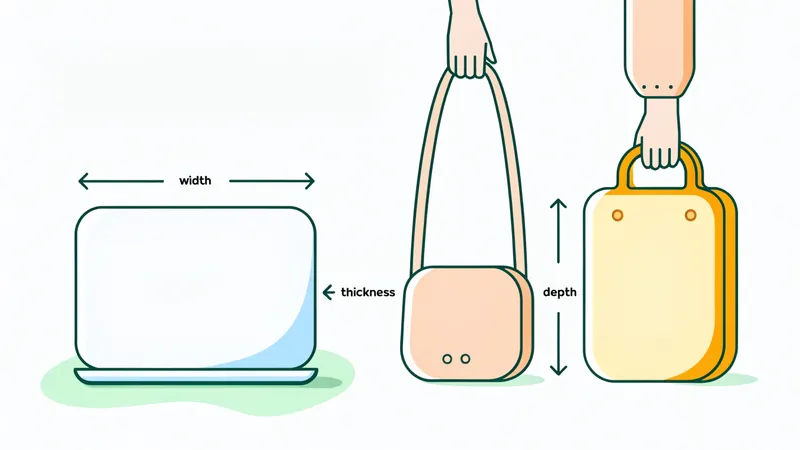
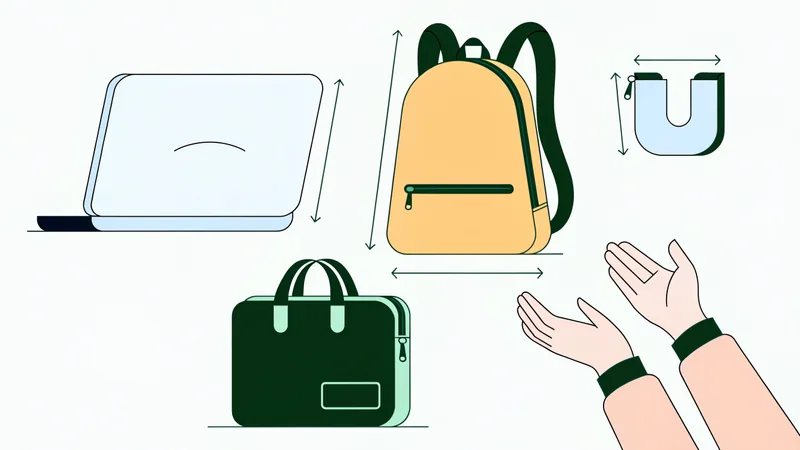
Laptop bags are labeled by screen size — "13-inch," "15-inch," "16-inch." But here's the catch that trips people up: the inch label refers to the screen, and modern laptops have shrunk their bezels, so the physical footprint no longer matches the old size. A current 16-inch laptop can have nearly the same body dimensions as a 15-inch laptop from a few years ago.
The practical result: a bag sold as "15.6-inch" often fits a 16-inch laptop — but you can't assume it. The only reliable method:
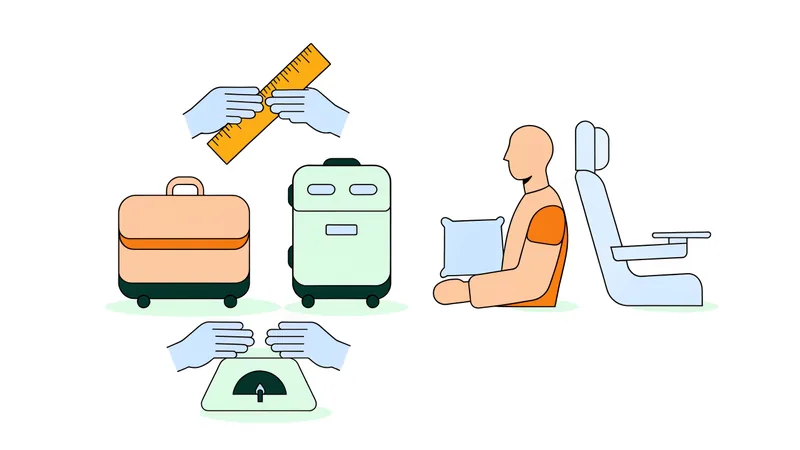
- Find your laptop's actual width and depth in millimeters or inches (from the maker's spec page, not the screen size).
- Check the bag's internal sleeve dimensions, not just its "fits up to X inches" label.
- Make sure the laptop's footprint fits with a little room to spare.
Do that and you'll never buy a bag your laptop doesn't fit — or one so oversized the laptop slides around. When a listing only gives an inch rating and no internal dimensions, treat that as a small red flag and dig for the real numbers.
The one protection feature that actually matters: a raised, padded compartment

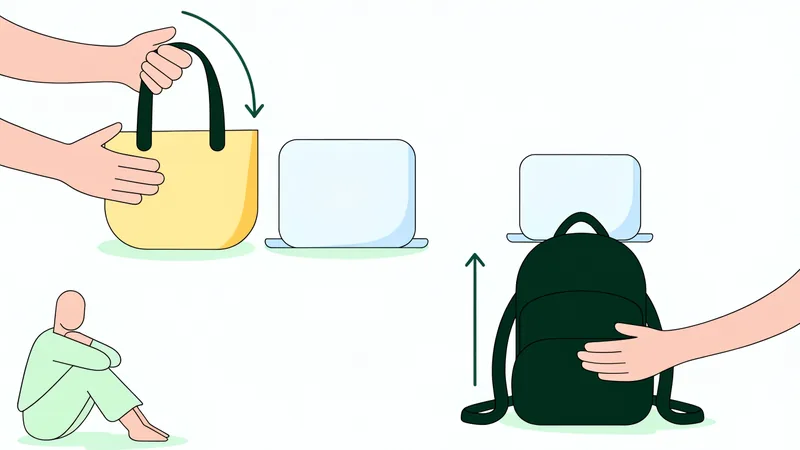
Here's the thing cheap "laptop bags" get wrong. Padding on the sides is not enough. The single most important protection feature is a laptop compartment that's padded on all sides and suspended off the bottom of the bag — sometimes called a "false bottom." Why it matters: when you set a bag down (or drop it), the impact hits the bottom. If the laptop sits directly on the bag's floor, that shock goes straight into the laptop. If the compartment is raised so the laptop "floats" above the base, the padding absorbs the hit instead.
So when you evaluate a laptop bag's protection, check for:
- A padded compartment on all sides, not just a soft-lined pocket.
- A suspended / raised bottom so the laptop doesn't touch the base of the bag.
- A snug fit — a laptop rattling around in an oversized compartment isn't protected, it's a projectile.
- A secure closure (zip or strap) so the laptop can't slide out.
Everything else about a laptop bag is convenience. This is the part that saves your laptop.
Sleeve vs. case: they're not the same
People use these interchangeably; they're different tools:
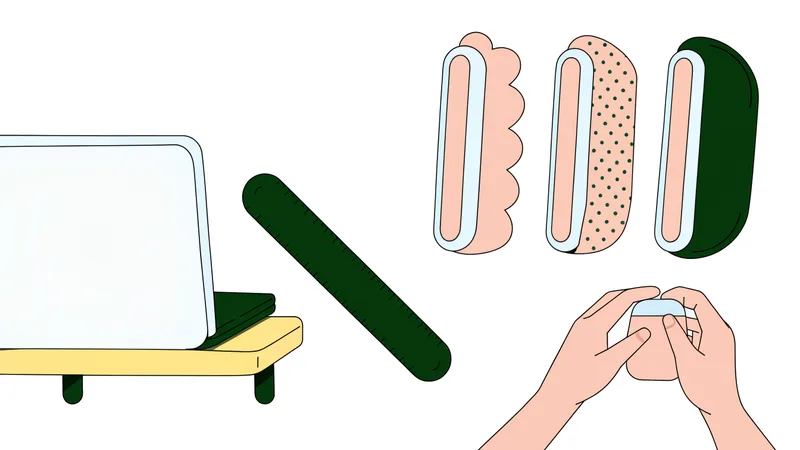
- A laptop sleeve is a soft, padded slip cover that the laptop goes into, and the whole thing goes into a bag. It adds a protective layer inside a backpack or tote that lacks a padded compartment. Slim, light, cheap.
- A hard case (or cover) clips directly onto the laptop's shell and stays on all the time. It guards against scratches and minor knocks during everyday use but adds bulk and doesn't cushion a real drop the way a padded sleeve in a bag does.
If your main bag has a proper raised, padded compartment, you don't need a sleeve. If it doesn't — or if you like to pull just the laptop out — a sleeve is the cheap fix.
Commuter and work features worth having
Beyond protection, the features that earn their keep day to day:
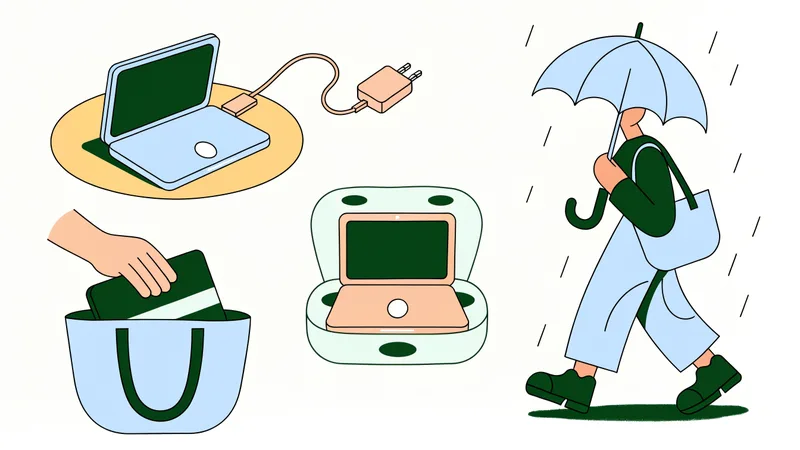
- A checkpoint-friendly (TSA-friendly) laptop compartment that lays flat and opens 180°, so at US airport security you can leave the laptop in the bag instead of pulling it out.
- A trolley pass-through — a strap on the back that slides over a rolling suitcase handle, so your laptop bag rides on top of your carry-on instead of hanging off your shoulder.
- Water resistance — a coated fabric or a flap that keeps a surprise shower off your electronics. (True waterproofing needs sealed seams; most bags are water-resistant.)
- Smart organization — a dedicated spot for a charger, cables, and a battery so they're not tangled around your laptop. Cable-eating chaos is real.
- An RFID-blocking pocket if you carry cards or a passport and want that protection (see our bag security guide).
- A water bottle pocket, a luggage-tag loop, a comfortable shoulder strap or padded back panel — small comforts that add up on a daily carry.
Materials: matching look to durability
Laptop bags run the full material range (full detail in our materials guide):
- Leather — the professional, ages-beautifully choice; heavier and pricier, wants a little care.
- Waxed canvas — rugged and handsome, a middle ground with a heritage look.
- Ballistic nylon / Cordura — the durable tech-bag standard; tough, lighter than leather, less formal.
- Polyester — the budget workhorse; fine for light use, wears faster.
Match the material to your setting and how hard you'll use the bag. A leather briefcase for the boardroom; ballistic nylon for the daily grind and travel.

Frequently asked questions
Does a 15.6-inch laptop bag fit a 16-inch laptop?
Often, yes — because modern laptops have slimmer bezels, a 16-inch laptop can have a similar physical footprint to an older 15-inch one, so many 15.6" bags accommodate a 16" machine. But don't assume it from the label. Check the bag's internal sleeve dimensions against your laptop's actual width and depth (from the maker's specs), since the inch rating describes the screen, not the body.
Is a laptop bag or a backpack better for work?
For your back and for carrying more than just a laptop, a backpack wins — two straps distribute weight far better than one shoulder, and modern laptop backpacks look professional. A briefcase or structured tote still reads more formal in traditional, image-conscious offices (law, finance). For most workplaces today, a clean laptop backpack is the practical, healthier choice; save the briefcase for genuinely formal settings.
Do I really need a laptop sleeve?
Only if your main bag lacks a proper padded, raised laptop compartment. A sleeve adds a cushioning layer inside a backpack or tote that would otherwise let your laptop rest against other items or the bag's floor. If your bag already has a suspended, padded compartment, a sleeve is optional — handy if you like pulling just the laptop out, but not essential.
What's the most protective laptop bag?
The most protective bag has a laptop compartment padded on all sides and raised off the bottom (a "false bottom"), so a drop's impact hits the padding, not the laptop. A snug fit and a secure closure matter too. Beyond the bag, a hard shell case clipped to the laptop adds scratch protection, but for real drop protection, the raised padded compartment is what counts — hardside bags and structured briefcases tend to offer the most.
What can I use instead of a laptop bag?
Any bag with a padded sleeve inside it works — slip your laptop into a standalone laptop sleeve first, then put it in a regular backpack, tote, or messenger bag. The sleeve provides the padding the bag lacks. What you should not do is carry a laptop loose in an unpadded bag where it rests against keys, water bottles, or the bag's floor; that's how screens crack.
How much should I spend on a laptop bag?
Enough to get genuine protection and durable construction — a raised padded compartment, a quality zipper, and straps that won't fail. That doesn't require a splurge; solid laptop backpacks and bags exist at mid-range prices. The jump to premium buys nicer materials (leather, ballistic nylon), better organization, and longer warranties. Spend for the protection and the zippers first; pay up for materials and looks only if they matter to you.
Guides in this section
15 guides sit under this page.
Roundups

Best budget laptop bags

Best laptop backpacks for work
Best laptop bags for 13 and 14 inch laptops
Best laptop bags for 15 and 16 inch laptops
Best laptop bags for 17 inch laptops
Best laptop bags for men
Best laptop bags for women
Best laptop sleeves
Best rolling laptop bags