How to measure your laptop for a bag

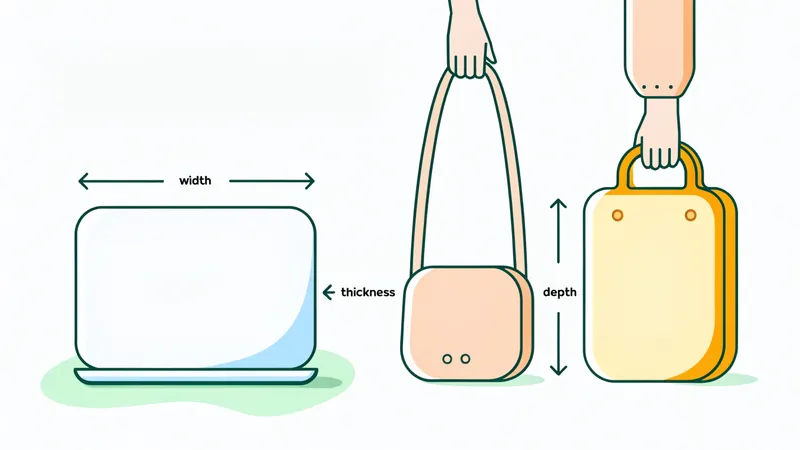
The key to how to measure a laptop for a bag is using the closed body's width, depth and thickness. Compare those measurements with the laptop compartment, then account for your case or sleeve. Keep the screen diagonal as a separate reference.
Learn how to measure a laptop for a bag
Use a ruler or tape with markings fine enough to record the device's edges. Start a note with separate fields for width, depth and thickness.
Device measurement guidance distinguishes the closed body's measurements from the display diagonal. Take the body measurements in this order:
- Close the laptop and place it on a flat surface.
- Measure left to right across the body's widest extent.
- Measure front to back, recording this as depth.
- Measure from the bottom to the highest point of the closed lid.
- Record the units beside every value.
- Repeat the measurements with the case you intend to leave attached.
Keep the first set as the bare-device record and label the second set clearly. Do not silently replace one with the other.
For your own worksheet, use full labels rather than an unexplained string of three numbers. A sketch with arrows makes the intended orientation easier to recover later.
Use the laptop bags overview once you have that record. It gives your search a concrete starting point instead of a screen-size label alone.
Find the matching specifications and label every dimension
Look for the technical specifications for your exact device model. Save the page address with your measurements so you can return to the same reference.
Read the labels before copying the numbers. For example, Apple calls the 13-inch M5 MacBook Air's 0.44-inch body measurement “height”. In a bag-fit worksheet, label that dimension as closed-device thickness.
Keep the product identifier beside the figures. If your device name has several sizes or generations, do not combine one version's screen size with another version's body dimensions.
Next, create separate columns for the device and candidate compartment. Use the following decisions to organize missing information.
| Information available | Next action | What to record |
|---|---|---|
| Exact device body dimensions | Match them against your measurements | Model, width, depth and thickness |
| Screen diagonal only | Measure the closed body | Three labeled body dimensions |
| Bag exterior only | Obtain the laptop compartment measurements | Usable space and opening |
| Named device compatibility | Match the exact device identifier | Version covered by the maker |
| Case or separate sleeve included | Measure the complete assembly | Updated external dimensions |
Leave a field blank when you lack the measurement. A blank tells you what to obtain; a guessed value hides the unresolved question.
Use a dimension comparison without turning it into a fit promise
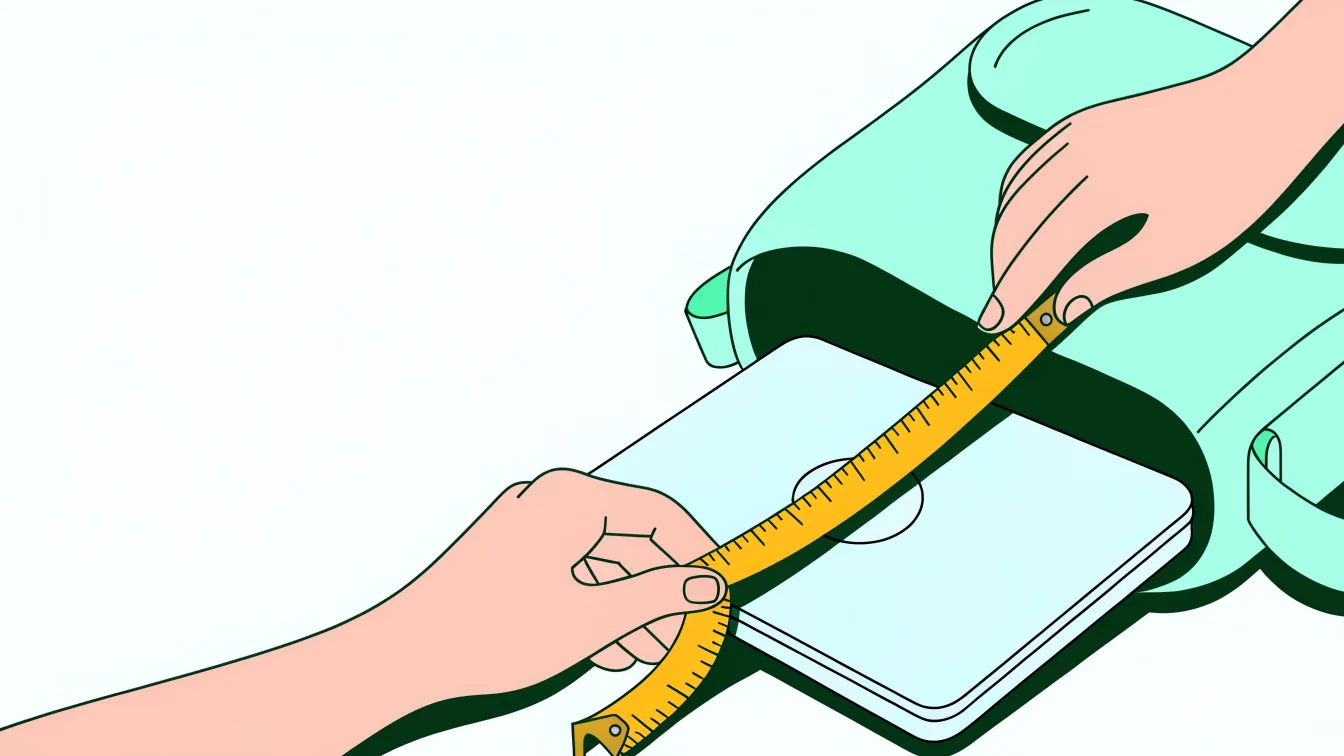
A worked comparison makes how to measure a laptop for a bag concrete: compare each body dimension with its matching compartment dimension. The following subtracts Apple's published 13-inch MacBook Air with M5 body dimensions from Thule's published compartment dimensions.
The sleeve is identified for a 14-inch MacBook Pro. This arithmetic is a measurement exercise, rather than a compatibility recommendation for the different laptop shown.
| Axis | 13-inch MacBook Air with M5 body, inches | Published sleeve compartment, inches | Total numerical difference |
|---|---|---|---|
| Width | 11.97 | 12.3 | 0.33 inch |
| Depth | 8.46 | 8.7 | 0.24 inch |
| Thickness | 0.44 | 0.6 | 0.16 inch |
These differences are totals across each axis. They are not clearances on each side, and the calculation does not describe the opening or corners.
Use the same subtraction in your own worksheet. If a device dimension exceeds the corresponding compartment dimension, stop that comparison rather than treating another axis's spare room as compensation.
If the numbers leave room, continue to the opening and closure checks. Record the result as “dimensions compared,” keeping physical fit as a separate field.
This preserves the useful arithmetic without making a rectangular calculation answer questions it never measured.
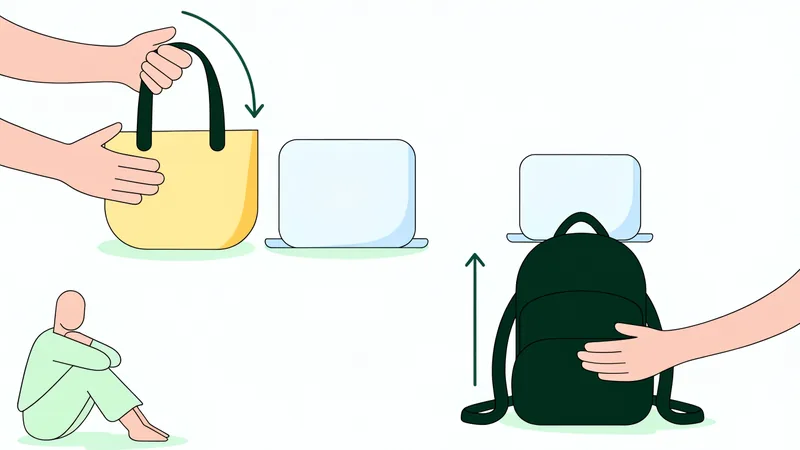
Allow room for the case and the actual insertion motion
HP advises a small allowance so the laptop slides in and out without forcing. It also says to account for an attached case.
Use that as a practical fit criterion rather than applying an invented universal margin. Record the case-on dimensions and compare those with the compartment.
For a sleeve carried inside another bag, make two comparisons. First evaluate the laptop inside its sleeve. Next, measure the loaded sleeve and compare that outer assembly with the larger bag.
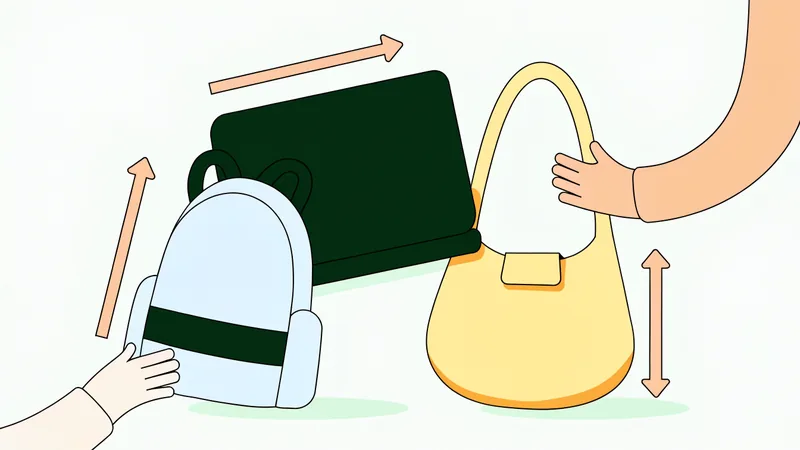
Try the intended insertion direction when you can assess the actual items. Close the fastener normally, remove the laptop, and repeat without changing the arrangement.
Keep the charger and other accessories in their intended places during the final trial. The purpose is to evaluate your complete arrangement, not an empty bag you will never carry.
Record any step that requires rearranging other contents. Decide whether that access routine suits your day.
The laptop compartment protection guide covers the separate question of protective construction. Keep that assessment alongside your fit notes rather than assuming dimensions settle both decisions.
Common mistakes: choosing by the front label alone
Avoid shortening the comparison to “13-inch laptop, 13-inch bag.” Keep the screen label and body measurements in separate fields so you do not substitute one for the other.
Likewise, copy dimension labels instead of assuming every maker presents numbers in the same order. Match width to width, depth to depth and thickness to thickness.
Do not approve a comparison while the case measurement is still missing. If the case is part of your everyday setup, include it in the recorded assembly before closing the question.
Another mistake is switching between bare-laptop and sleeved-laptop measurements halfway through the comparison. Give each arrangement its own row and mark which one you intend to carry.
Finish your worksheet with three decisions: numerical comparison, actual access and closure, and your intended packing arrangement. Mark any unfinished decision as a task to complete.
Use the daily laptop carrying guide when planning the rest of your load. Your measurement record should make that next decision easier, without implying that physical fit guarantees a particular level of protection.

FAQ
Is screen size enough to choose a laptop bag?
The usual screen-size figure refers to the display diagonal, not the complete outer body. Measure the closed device separately for bag fit. Keep both sets of information in your notes, using width, depth and thickness for the physical comparison. Screen and body measurement guidance.
How much bigger should the compartment be than my laptop?
HP advises a little room so insertion and removal do not require force. Apply that criterion to your case-on measurements and the actual opening. A margin you choose for one device should not become a universal rule for every sleeve shape or closure. Sizing guidance.
Should I measure my laptop with its case on?
Record both arrangements, then use the case-on measurements if that is how you intend to carry the device. Label the records clearly. If a separate sleeve also goes inside the bag, measure the loaded sleeve as the next assembly. Keep its record separate from the bare-device figures.
What if the product page lists only the bag's outside dimensions?
Obtain the usable laptop compartment dimensions and details of its opening before completing your comparison. Keep the exterior measurements for a separate storage or carrying-space check. In your notes, leave the compartment fields blank until you have the relevant figures instead of treating outside dimensions as the answer.