Tablet and e-reader bags
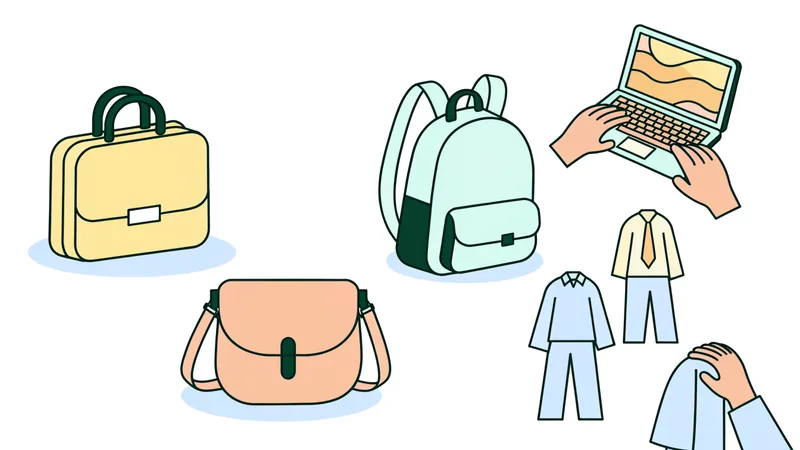
A tablet bag should fit the device's outer dimensions with its everyday cover or keyboard attached, if you intend to keep them fitted. Choose a sleeve for a device carried inside another bag. Consider a crossbody or sling when you also need independent carry and accessory storage.
Which tablet bag format matches your routine?
Begin by deciding whether the device needs its own carrying strap or simply a defined place inside your existing bag.
Published sleeve designs include a padded device area and an accessory pocket. A small crossbody example instead provides a device compartment, front zippered pocket, and open front pocket. Sleeve construction Crossbody layout
Choose between those approaches by rehearsing your usual trip.
| Format | Carrying routine to consider | Main measurement | Access question |
|---|---|---|---|
| Simple sleeve | Device carried inside another bag | Internal dimensions with the device cover fitted | Can you remove it through the larger bag's opening? |
| Sleeve with accessory pocket | Device and a small charging kit | Loaded sleeve exterior | Where do the charger and cable sit? |
| Small crossbody | Device and a few independent daily essentials | Device compartment and complete bag | Can you retrieve the device while managing the strap? |
| Tablet sling | A defined tablet kit carried on one strap | Compartment and overall dimensions | Does the opening suit your intended retrieval method? |
For a larger work kit, compare laptop bags. Start with the smallest equipment group that meets the day's needs, then assess the carrying format around it.
Use screen size as a category, then measure the device
A screen measurement and a device measurement describe different things. A manufacturer's specification for one tablet lists an 8.3-inch screen diagonal within a body measuring 7.69 × 5.3 × 0.25 inches. Screen and body specifications
Use the screen-size category to find relevant products, then compare the actual body dimensions.
Read the device model and generation from its settings or identification information. Obtain the corresponding manufacturer's specification instead of assuming that similarly named generations share measurements.
Next, measure the device in the configuration you intend to carry. Include its protective cover, keyboard, or other fitted accessory.
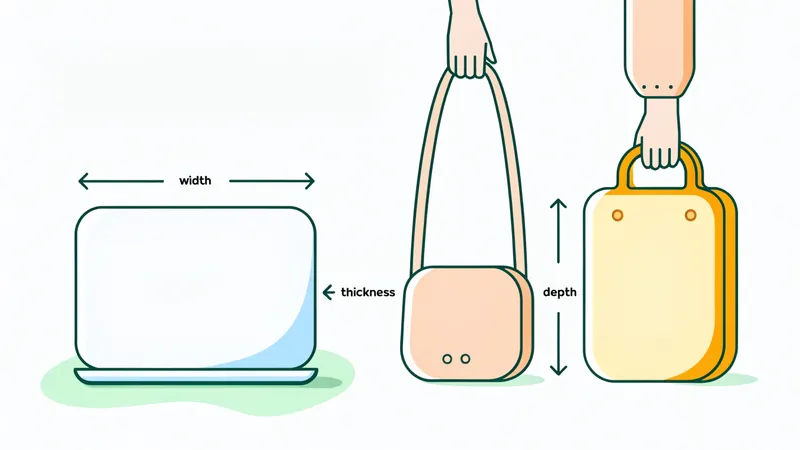
Record the longest dimension, the shorter dimension, and the greatest thickness. Identify which axis corresponds to each bag measurement.
For an initial comparison, sketch the device outline on paper. Add a separate note for thickness rather than treating the sketch as a complete fit assessment.
Finally, assess the opening as well as the compartment. Ask the carrier maker for exact-model guidance when the measurements are close.
Keep the measured configuration beside the model and generation. That record makes clear whether each figure describes the bare device or the covered setup.
Distinguish internal dimensions from the sleeve exterior
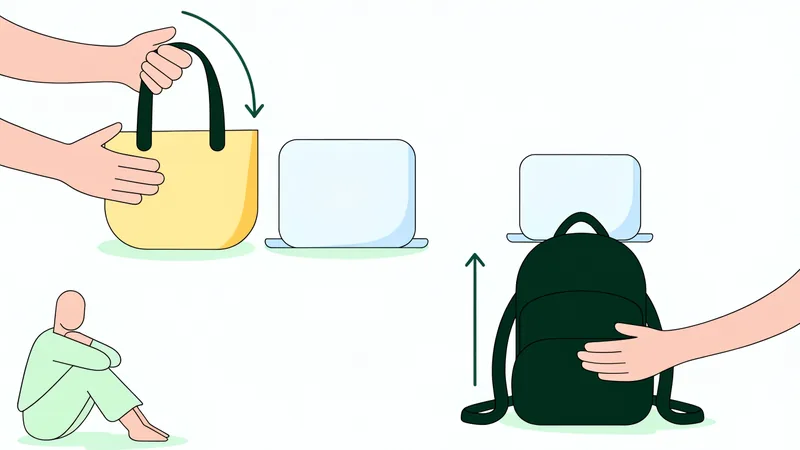
Use two fit checks: the device with its everyday cover or attached keyboard goes inside the sleeve. The loaded sleeve then goes inside your larger bag.
One published example lists an internal space of 9.88 × 7.64 × 0.63 inches within an exterior of 11.20 × 8.35 × 0.71 inches. Internal and external measurements
Do not substitute one set of figures for the other.
| Measurement | Compare it with | What remains to assess |
|---|---|---|
| Device body | Carrier interior | Opening and intended fit |
| Device with cover | Carrier interior | Closure with the cover attached |
| Sleeve exterior | Larger bag's compartment | Loaded shape and access |
| Sleeve with accessories | Larger bag's opening and storage space | Retrieval without rearranging unrelated contents |
For a hypothetical example, a covered device measuring 0.75 inch thick exceeds a sleeve's published 0.63-inch internal depth. A match in length and width would not resolve that difference.
Use your actual measurements, including any accessories in the sleeve. If equipment changes, update these two comparisons instead of relying on the previous fit.
If you intend to carry a keyboard separately, include it in the packing group. If it stays attached, assess the combined device.
During a physical fit check, insert the device and close the sleeve normally. Do not rely on stretching or forcing the zipper to make uncertain dimensions work.
Give e-readers the same exact-model treatment
An e-reader may need less surrounding storage than a tablet kit, but the same measurement process applies.
One 6-inch reader measures approximately 4.41 × 6.30 × 0.36 inches (112 × 160 × 9.2 mm). Reader specification
Those are bare-device measurements. Measure again with the cover you intend to use.
Decide whether the carrier will hold only the reader or also your phone, keys, and charging cable. Assign each additional item a separate location in the packing plan.
For a sleeve inside a larger bag, assess access during your normal reading routine. Consider taking the reader out while seated and returning it afterward.
For independent carry, compare the complete bag's dimensions and pocket layout. A small crossbody range publishes different sizes for different device classes. Size and layout guide
Do not choose the larger version automatically because its description covers more devices.
For reading during short breaks, prioritize access to the reader. For a longer day away, decide whether independent phone and key storage would serve another task.
Choose padding and materials against a defined need

Read the construction description rather than assigning protection to a material name.
A sleeve example describes foam padding, fleece lining, and a water-resistant fabric exterior. Material and construction description
A crossbody example lists ballistic nylon and separate device storage. Construction specification
Those descriptions identify components. They do not establish identical protection or a particular drop-test result.
During an assessment, identify what surrounds the device, how the closure works, and where the device sits relative to the bag's other contents.
If you need quantified protection, seek the relevant documentation for the exact model. Establish the conditions and whether they match your intended use.
For water exposure, read whether the maker describes the fabric, zipper, or complete bag. A claim about one component should not become a promise about every opening.
Use waterproof versus water-resistant bags to compare the terminology.
Keep the choice proportional to the actual task. Define the exposure or handling requirement first, then look for documented construction that addresses it.
Plan accessory storage without changing the device fit
Lay out the complete daily kit before deciding how many pockets you need.
A tablet sling example provides a dedicated device area, multiple pockets, a front key strap, and a back pocket. Organization details
Use such features as possible locations for your own equipment, rather than assuming every pocket matches your accessories.
| Item group | Suggested planning location | Assessment |
|---|---|---|
| Tablet or reader | Intended device compartment | Fit with the everyday cover |
| Charger and cable | Separate accessory area | Loaded shape and easy removal |
| Stylus | Holder or defined pocket | Compatibility with the actual stylus |
| Keyboard | Specified device arrangement or separate section | Fit in the configuration you use |
| Phone and keys | Assigned small-item pockets | Access without disturbing the device |
This is a planning example, not a required packing list.
Use the two fit checks above with the complete accessory group. Keep plugs and charger bodies in their assigned section rather than the device sleeve.
Then remove and return the device with the rest of the kit still packed. That is the routine the bag needs to support.
For a removable charging group, decide which items should leave the bag together. Give an organizer a clear purpose before adding another layer.
Assess straps and access with the real load
If you choose independent carry, evaluate the strap arrangement alongside device fit.
A published sling specifies a padded adjustable strap measuring 27.5–44 inches and attachment options for either shoulder. Strap specification
Those are product-specific measurements, not a recommended strap length for every wearer.
Try the intended position with your normal clothing and the complete packed kit. Establish whether the adjustment range allows the placement you want.
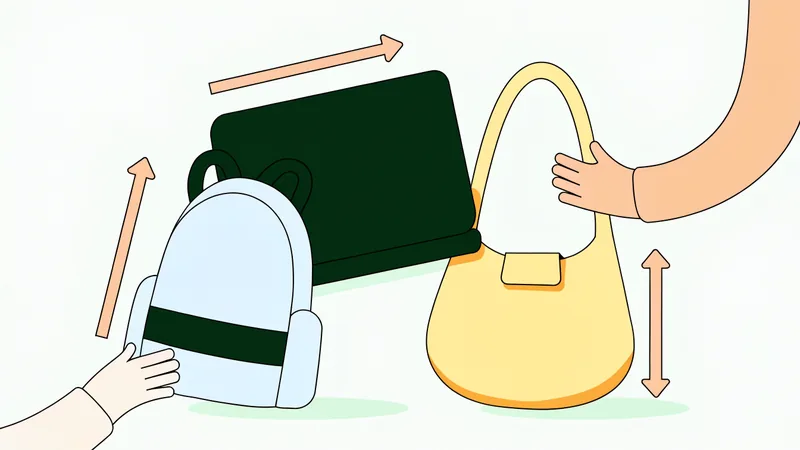
Then rehearse retrieval. Decide whether you prefer to remove the bag, place it on a surface, or move it into another permitted position.
Check the opening and handle arrangement against that method. Follow the carrier's instructions for any buckle or alternate attachment position.
For a sleeve, perform the equivalent assessment inside the larger bag. Identify which opening you will use and whether another item blocks it.
Avoid choosing from an empty-bag demonstration alone. Include the charger, phone, and other items that change the packed arrangement.
The crossbody bag guide can help you compare carrying layouts before assessing individual strap systems.
Keep care and storage instructions with the model
Locate care instructions for the carrier before cleaning. Remove the tablet or reader and all accessories, keeping device-cleaning directions separate from bag care.
The cited Essential Crossbody includes a ballistic-nylon version. For that material, WaterField's care guide permits spot cleaning with a damp cloth and mild soap. Model materials Maker's care guide
The guide directs users to air dry the nylon and avoid heat, bleach, harsh chemicals, and very hot water. Apply those directions to the specified material, not every tablet sleeve. Nylon care
Read separate instructions for linings, trim, and removable components. Ask the maker when the product label or a component's treatment is unclear.
Keep detachable straps and inserts with their matching carrier during storage. Retain the model name and care label so replacement-part or cleaning questions refer to the correct version.
Keep cleaning records separate from the device measurements. When a cover, keyboard, or accessory changes, update the existing two-fit-check record rather than adding another care procedure.

FAQ
What size tablet bag should I choose?
Measure the device with the cover or keyboard you intend to keep attached. Compare length, width, and thickness with usable internal dimensions, then assess the opening. If the carrier goes inside another bag, compare its loaded exterior with that destination space as a separate step.
Does an 11-inch sleeve fit every 11-inch tablet?
Use the compatibility list and internal measurements for the exact sleeve. One example lists a 9.88 × 7.64 × 0.63-inch interior and identifies particular device-and-keyboard combinations. Confirm your own configuration rather than treating the screen-size category as a universal fit standard. Sleeve specification
Should I choose a sleeve or a crossbody?
Start with the carrying routine. A sleeve can provide a defined device space inside a larger bag. A crossbody provides an independent carrying format and may include several accessory pockets. Assess the actual layout and complete kit before choosing. Crossbody layout example
Can an e-reader fit in a small tablet sleeve?
Compare the exact reader and cover with the sleeve's interior and opening. A published 6-inch reader measures approximately 4.41 × 6.30 × 0.36 inches before adding a cover. Use your model's dimensions and assess the intended fit rather than relying on the shared device category. Reader dimensions