Drone bags and cases

A drone bag should fit your exact aircraft, controller, batteries, and accessories in their intended transport positions. For walking, assess a backpack with your complete kit and check access to the aircraft and controller. Assess a fitted protective case when its documented construction and layout match your handling requirements.
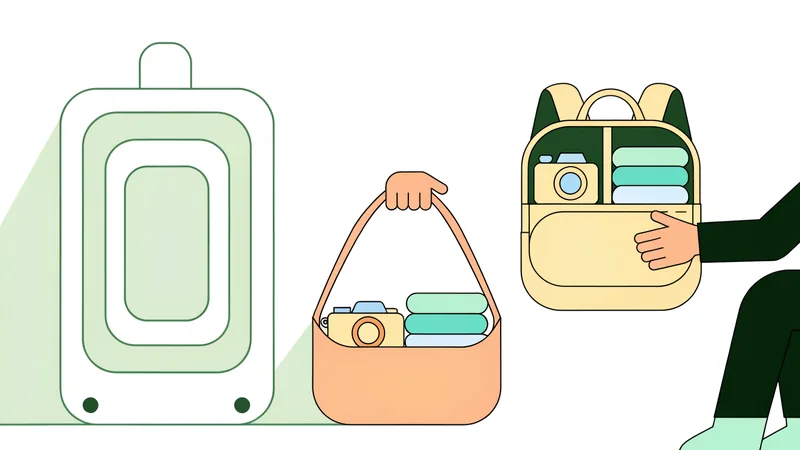
Which drone bag format suits your journey?
Begin with the route from storage to your flying location. Include any walking, vehicle loading, public transport, and air travel.
Then list the equipment you intend to bring. Separate the aircraft kit from clothing, water, or camera equipment that needs additional space.
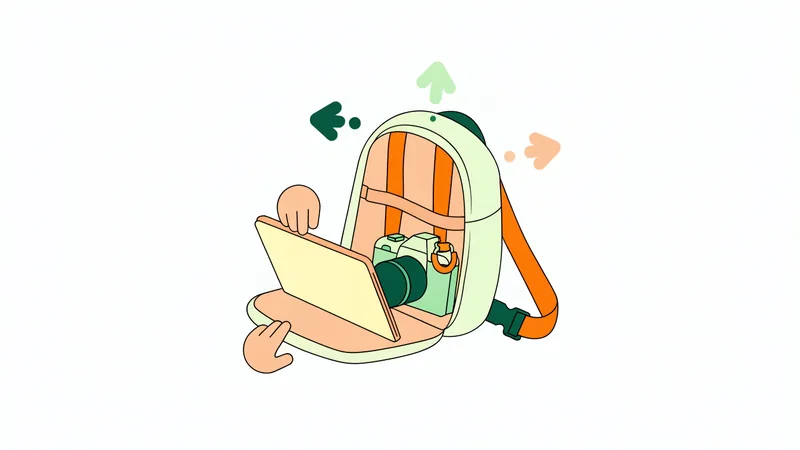
Dedicated backpacks and fitted cases are both documented formats. A backpack specification describes adjustable dividers and separate device compartments. A case maker lists inserts for distinct aircraft and controller combinations. Backpack layout Case configurations
The following table sets out selection questions rather than ranking the formats.
| Format | Route to consider | Main fit question | Access priority |
|---|---|---|---|
| Dedicated backpack | A journey involving backpack carry | Does the aircraft compartment fit your exact model? | Access without disturbing unrelated contents |
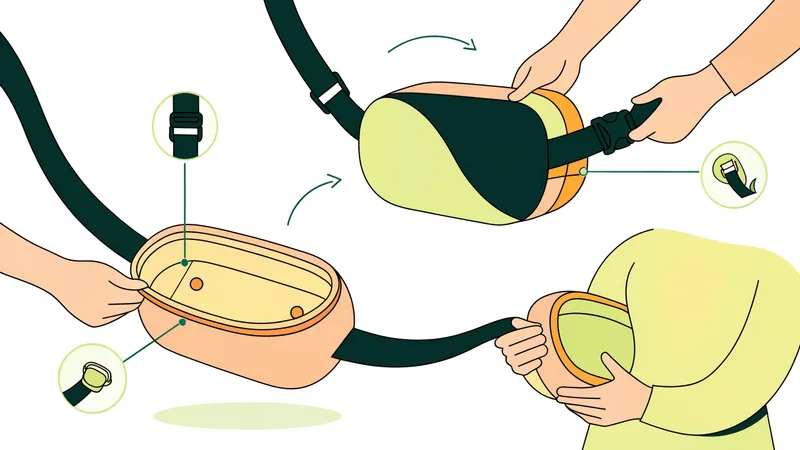
| Shoulder-style carrying bag | A compact kit carried by its intended strap | Do the aircraft and controller match the packing diagram? | Clear locations for the normal flight kit |
| Fitted protective case | A journey with defined handling or protection needs | Does the insert match the complete equipment combination? | Removal without forcing the aircraft |
| General camera backpack | A mixed photography and drone kit | Can the dividers support the transport configuration? | Separate, identifiable accessory groups |
Explore camera bag layouts when comparing a mixed-use setup.
Fit the aircraft and controller as separate items
A claim that a bag fits an aircraft family is a starting point. Establish the exact model, controller, battery type, and accessories used in the maker's packing diagram.
A manufacturer support guide illustrates different arrangements for aircraft, controllers, charging hubs, and batteries. Several illustrated controllers are stored without their control sticks attached. Model-specific packing diagrams
Follow the instructions for your own equipment. Do not copy another model's folding, stick-removal, or accessory arrangement.
During a fit assessment, prepare the aircraft exactly as its manual specifies. Include any required transport cover or holder in the measurements.
Next, assess the controller separately. Account for its screen, attached accessories, and the configuration required for storage.
Place both items in the intended compartments before adding smaller accessories. Close the bag normally and establish that the layout does not require force.
For a fitted insert, request confirmation if your controller differs from the one pictured. Similar-looking equipment names are not a substitute for a matching insert drawing.
Keep the matching insert drawing or compartment measurements with your kit list, so future accessory changes can be compared against the same layout.
Compare compartment measurements and the complete load
Exterior size describes the container you carry. It does not describe every compartment inside it.
One dedicated backpack lists a 10.24 × 4.33 × 9.45-inch drone compartment and a separate 10.24 × 3.54 × 7.87-inch top compartment. Its published empty weight is 2.95 pounds. Compartment and weight specifications
For fitted cases, a maker's range includes internal dimensions such as 13.8 × 9.3 × 6.2 inches and 17 × 11.8 × 6.4 inches. Case-size examples
These are examples, not recommendations or standard sizes.
| Measurement | Use it for | Additional evidence needed |
|---|---|---|
| Bag exterior | Storage and transport-space comparison | Complete packed measurements |
| Aircraft compartment | Initial equipment-fit comparison | Intended transport configuration |
| Controller compartment | Controller and accessory fit | Exact controller dimensions |
| Case interior | Insert planning | Insert drawing and lid clearance |
| Empty weight | Starting load calculation | Weight with the complete kit |
Arrange your full kit before choosing extra capacity. Include the charger, cables, filters, spare propellers, and any other items you actually need.
Then weigh the packed setup. Make your carrying assessment with that load, rather than with an empty display bag.
Read the flight rules before planning battery pockets
For US passenger-aircraft travel, distinguish spare batteries from batteries installed in equipment. The packing rules differ.
The following summary was checked in November 2026. It covers ordinary lithium-ion batteries for personal electronic equipment, not mobility-aid exceptions.
| Battery situation | US baseline | Packing consequence |
|---|---|---|
| Spare battery up to 100 Wh | Carry-on only; protect against damage and short circuits | Provide individually protected cabin storage |
| Spare above 100 Wh through 160 Wh | Operator approval; maximum two per person | Obtain approval before finalizing the travel kit |
| Ordinary lithium-ion drone battery above 160 Wh | Not permitted in passenger carry-on or checked baggage under this allowance | A different bag or ordinary operator approval does not make it permissible |
| Battery installed in equipment | Check device and operator requirements | Do not apply spare-battery rules as the complete answer |
Sources: FAA lithium guidance, FAA passenger battery guidance, and 49 CFR 175.10(a)(18).
Airlines and international requirements may be more restrictive. Confirm with every operating carrier before departure. Rules change. FAA guidance, checked November 2026
This is general information, not legal advice.
Plan battery protection and cabin access together

Choose a battery-storage arrangement that lets you identify and remove each spare. Keep that requirement separate from how many batteries a bag can physically hold.
The FAA lists terminal-protection methods including original packaging, insulating exposed terminals, battery cases, and individual protective pouches. Checked November 2026. FAA packing methods
Use the battery maker's instructions when selecting the method. Avoid assuming that an ordinary shared pocket provides the required individual protection.
Record each battery's watt-hour rating before packing. The FAA explains that watt-hours equal volts multiplied by amp-hours; divide milliamp-hours by 1,000 first. Checked November 2026. FAA calculation guidance
For a hypothetical example, a 14.8-volt battery rated at 3,000 mAh calculates to 44.4 Wh. Use your battery's actual label and documentation.
A bag does not change that rating or replace an airline's approval.
Make battery access part of your own selection assessment: pack the aircraft and accessories, then remove the protected battery group without unpacking everything.
For related equipment, review battery rules for luggage.
Prepare for a gate-check request
Do not plan solely around carrying the main container into the cabin.
The FAA requires spare lithium batteries to be removed from a bag checked at the gate or planeside and kept in the cabin. Checked November 2026. FAA gate-check guidance
Build an accessible removal plan before leaving home.
| Item or group | Preparation | Final check |
|---|---|---|
| Protected spare batteries | Keep them together in an accessible location | Every spare can move into permitted cabin baggage |
| Power bank | Include it in the spare-battery plan | It does not remain in the checked container |
| Installed-battery equipment | Follow the manual and airline directions | Required shutdown and protection steps are complete |
| Main bag or case | Keep closures and insert arrangements usable | Repacking does not require improvisation at the gate |
For permitted battery-powered devices in checked baggage, the FAA requires complete shutdown and protection against accidental activation or damage. Checked November 2026. FAA device guidance
Ask the airline how its drone policy applies to your exact setup. Do not assume general electronic-device guidance overrides a carrier restriction.
Use airline baggage rules to organize the rest of your trip's baggage checks.
Match protection and care to the actual construction
A backpack with a shaped lid and a sealed rigid case are different constructions. Evaluate the exact claims rather than treating every protective-looking exterior alike.
A dedicated backpack example specifies a compression-molded protective lid and flexible internal dividers. Construction description
That description alone does not establish an immersion rating or a particular drop-test result.
If water or impact protection matters to the journey, request the relevant documentation for the exact bag or case. Read which compartments and conditions it covers.
For care, locate separate instructions for the carrier, insert, aircraft, and batteries. Do not apply a bag-cleaning method to electronic equipment.
Inspect your kit before travel. Seek manufacturer advice for any battery with swelling, damage, or an active recall.
FAA guidance restricts damaged or recalled batteries likely to spark or produce dangerous heat. Checked November 2026. FAA damaged-battery guidance
A protective container is not a reason to override that restriction.
For ordinary packing, keep a model-specific inventory and follow the equipment manual each time you rebuild the kit.
Choose a layout you can repeat without improvising
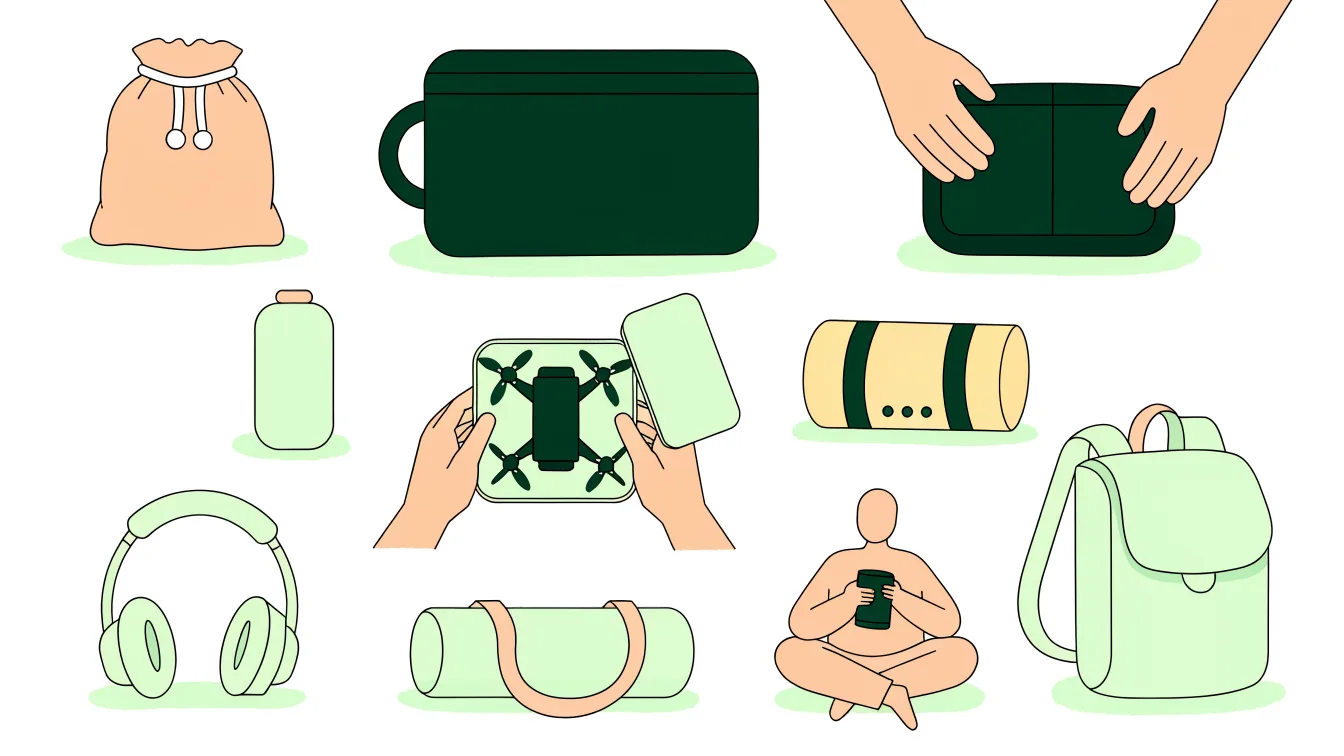
A useful drone bag gives every essential item a deliberate place and leaves the flight-packing requirements manageable.
Use this compact equipment checklist to compare the intended layout. Record exact models and required accessories before deciding how much extra space to choose.
| Equipment group | Record before choosing | Layout decision |
|---|---|---|
| Aircraft | Exact model and instructed transport configuration | Match the compartment or insert to that configuration |
| Controller | Model, attached accessories, and storage instructions | Give it a separate defined space |
| Protected spares | Battery count, ratings, and individual protection | Keep permitted spares accessible for cabin removal |
| Accessories | Required charger, cables, filters, and spare propellers | Assign each group a location without crowding the aircraft |
For a fitted case, compare the insert drawing with this list. For an adjustable backpack, retain a reference photo of the chosen divider layout.
Common mistakes include choosing by aircraft name alone, overlooking controller differences, and treating battery-pocket capacity as a flight allowance.
Add camera or personal storage only when the journey requires it. Separately confirm the permissions and operating requirements for the place where you intend to fly.
FAQ
Is a backpack or protective case better for a drone?
Choose according to your route, equipment fit, and documented protection needs. Assess backpack carry with the complete load if you expect to walk. For a fitted case, confirm the exact aircraft and controller arrangement. Neither format should be judged solely by a photograph of its exterior.
Can spare drone batteries go in checked baggage?
Spare lithium batteries must stay in carry-on baggage under the US rules summarized here. If the main bag is checked at the gate, remove the spares and keep them in the cabin. Check the airline's additional restrictions before departure. Checked November 2026. FAA guidance
Can I take a drone battery over 100 Wh on a plane?
For ordinary personal electronic equipment, batteries above 100 Wh through 160 Wh require operator approval. No more than two individually protected spares in that range are permitted per person in carry-on baggage. Confirm the carrier's policy before travel. Checked November 2026. 49 CFR 175.10(a)(18)
Does a drone bag fit every controller for the same aircraft?
Confirm the exact combination. A packing diagram can specify a particular controller and its storage configuration, including removed control sticks. Compare that diagram with your equipment and attached accessories. Seek confirmation from the carrier maker if the pictured controller differs from yours. Manufacturer packing examples
Related guides
Sources
- lowepro.com/us-en/droneguard-bp-250-lp37099-pww
- nanuk.com/collections/drone-cases
- support.dji.com/help/content
- faa.gov/hazmat/packsafe/drones
- faa.gov/hazmat/packsafe/lithium-batteries
- faa.gov/hazmat/packsafe/portable-electronic-devices-with-batteries
- faa.gov/hazmat/packsafe/airline-passengers-and-batteries
- ecfr.gov/current/title-49/subtitle-B/chapter-I/subchapter-C/part-175/subpart-A/section-…