How to choose a college backpack
When working out how to choose a college backpack, check laptop dimensions first, then your daily supplies, commute and loaded fit. Buy enough space for a normal full day, with accessible essentials and a sensible security routine. Extra pockets cannot fix poor device clearance.
Match the backpack to your actual college day
How to choose a college backpack depends on your day. Find your routine in the table, then start with the check beside it. The capacity bands are our own starting filters, not a published standard or a list of what fits.
| Daily routine | Capacity to start with | Check first | When to rethink |
|---|---|---|---|
| Laptop, one notebook and a few small items | Up to 20 L | Device compartment and charger space | The actual device or required folder does not fit |
| Several classes, books, lunch and a layer | 21–30 L | Main compartment shape and loaded harness | Bulky containers compete with books |
| Classes plus gym clothes or specialist equipment | 21–30 L, or 31 L and up | Separate gear spaces and total weight | Equipment needs its own bag instead |
| Long walk or transit commute | Let contents set volume | Body fit, packed depth and useful access | A deeper or heavier candidate becomes awkward |
| Frequent returns to a dorm or locker | Start with the smaller load | What genuinely travels between stops | The timetable makes those returns impractical |
No school year or major automatically requires one capacity. A device-heavy schedule can be less bulky than an art-materials day.
Start with the gear you have, then compare school backpacks. Check course requirements before buying space for hypothetical equipment.
1. Measure the laptop and its real packing setup
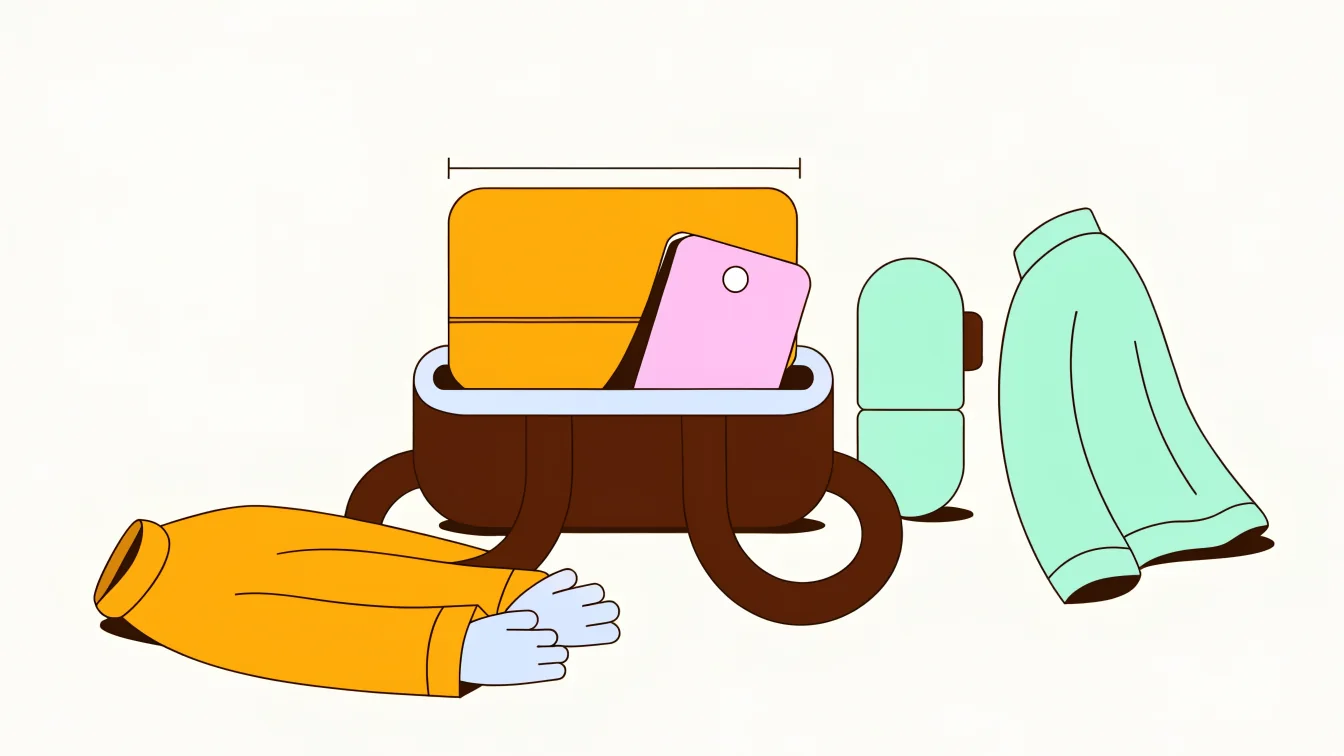
A laptop label is a starting filter, not the final fit check. HP recommends comparing the closed device's width, depth and thickness with the laptop compartment.
- Measure the closed device. Record all three dimensions in inches, or use its exact manufacturer's specifications.
- Add the case you actually use. If a removable sleeve will stay on, measure the combined package.
- Find the compartment dimensions. Do not substitute the backpack's external dimensions for its laptop cavity.
- Check the opening and closure. A device must pass through the opening and allow the zipper or retaining tab to close without force.
If the maker publishes only a screen size, ask for the compartment's dimensions before ordering.
Check that the compartment is padded and that its base sits above the bag's bottom, so the laptop does not hit the floor when you set the bag down. The word “laptop” on a listing promises neither.
Our 15- and 16-inch laptop-bag guide explains why device-specific clearances matter more than a familiar size label.
2. Build a representative full-day load
Make one pile for the day with the most regular classes. Include the laptop setup, required books, charger, lunch, bottle and weather layer. Keep occasional travel gear in a separate pile.
Decide which items need their own space. A lunch container needs a usable footprint, not just spare volume around the edges. A thick charger also needs somewhere to go after the laptop compartment is filled.
Use your existing bag as a reference if you have one. Record exactly what fails: a narrow opening, insufficient depth or too many loose accessories. That produces a more useful shopping brief than “something bigger.”
Try two packing arrangements before increasing capacity. Moving a small accessory pouch can solve an access problem without changing the bag. Do not force a device or compress food containers to make the layout work.
If gym gear travels only on certain days, decide whether it belongs in the main backpack or a separate carrier. Check available storage before committing to either arrangement. Our college backpack roundup compares options once the daily load is clear.
3. Evaluate the commute and weather plan
Write down where the bag will be opened: a train platform, lecture hall, library desk or bike parking area. Assign frequently used items to places you can reach without unpacking everything.
For transit, consider the packed depth as well as the liter rating. Check how you will hold the bag when seated or entering a crowded vehicle.
For cycling, examine strap management and the maker's intended use. Test whether your chosen arrangement interferes with your normal riding position before relying on it for a commute.
For rain, read the exact claim. “Water-resistant fabric” describes the cloth, not the seams or zippers. Look for wording that covers both, and check the maker's page for an included rain cover.
4. Check body fit with the intended load

A tidy-looking empty backpack can feel different when it contains a laptop and books. Compare candidates using the same representative load, within the maker's instructions and your comfortable handling limits.
- Check any published torso range. For models with torso sizing, compare the maker's range with your measurement.
- Put on both shoulder straps. Adjust gradually rather than tightening one side until the bag sits unevenly.
- Use supplied adjustments as intended. A sternum strap and a load-bearing hipbelt perform different jobs; not every campus pack has either.
- Try normal movements. Walk, turn and reach for an item. Reassess if the straps press, the bag swings awkwardly or access requires a struggle.
If adjustment does not fix the fit, try a different harness shape. Thicker padding alone will not.
5. Choose useful organization and a security routine
Give each compartment a job before paying for it. You might want a device compartment, a main space and one small-item area. Someone with laboratory accessories may need a different layout.
Decide where keys, identification and a wallet will live. An internal zipped pocket may suit your routine better than a conspicuous external stash. This is an access preference, not proof of theft resistance.
Ask what a security feature actually does. A lockable zipper, hidden pocket or cable loop each slows one kind of theft; none makes a bag theft-proof. Check the maker's instructions before attaching a lock or cable.
Your routine still matters. UC Berkeley recommends keeping devices attended and avoiding storage in vehicles. Follow your university's reporting and device-security guidance too.
For the distinction between practical barriers and broader protection claims, see bag security. Do not buy extra security hardware without knowing how you will use it during the day.
Common mistakes
Choosing by laptop diagonal alone. Compare body dimensions and the compartment opening. A compatibility label is not a substitute for missing thickness information.
Buying for every possible future trip. A weekend packing plan can distort a backpack used mainly for classes. Prioritize the routine that occurs most often.
Counting pockets as usable capacity. Ask what goes in each pocket and whether filling it steals space from the one beside it.
Forgetting empty weight. Add it to the contents when comparing loaded candidates. A smaller liter rating does not necessarily mean a lighter bag.
Treating fabric claims as complete protection. Read what a water, impact or security claim actually covers.
How to choose a college backpack: the short version
Choose the candidate that passes device fit, daily packing, route use and loaded harness checks. If several pass, compare care instructions, repair terms and your preferred access layout. If none passes, change the shape or carrying arrangement before increasing capacity again.

FAQ
What size backpack is best for college?
Choose around the actual full-day load. The table offers capacity bands for comparing candidates, not guaranteed equipment counts.
Measure the laptop setup and largest container first. Students returning frequently to a dorm may need less space than commuters carrying lunch, several books and activity gear throughout the day.
Can a 15-inch laptop backpack fit a 16-inch laptop?
The size label alone cannot answer that. HP explains that equal screen sizes can still have different body dimensions.
Compare your closed laptop, including its case, with the compartment and opening. If the maker does not publish adequate measurements, ask for confirmation before treating compatibility as confirmed.
Do college students need an anti-theft backpack?
Consider a specific feature only if it suits your routine. No bag feature replaces keeping control of your belongings.
UC Berkeley advises against leaving devices unattended or in vehicles. Check your campus's advice, then decide whether concealed pockets or compatible locking hardware solve a concrete access concern.
Should a college backpack have a separate shoe compartment?
Only if you regularly carry shoes and the complete layout still works. Check the compartment's actual dimensions with your footwear, then assess the remaining space for books and a laptop. A dedicated pocket keeps shoes apart from books, but it does not mean the pocket is vented, odor-proof or waterproof.